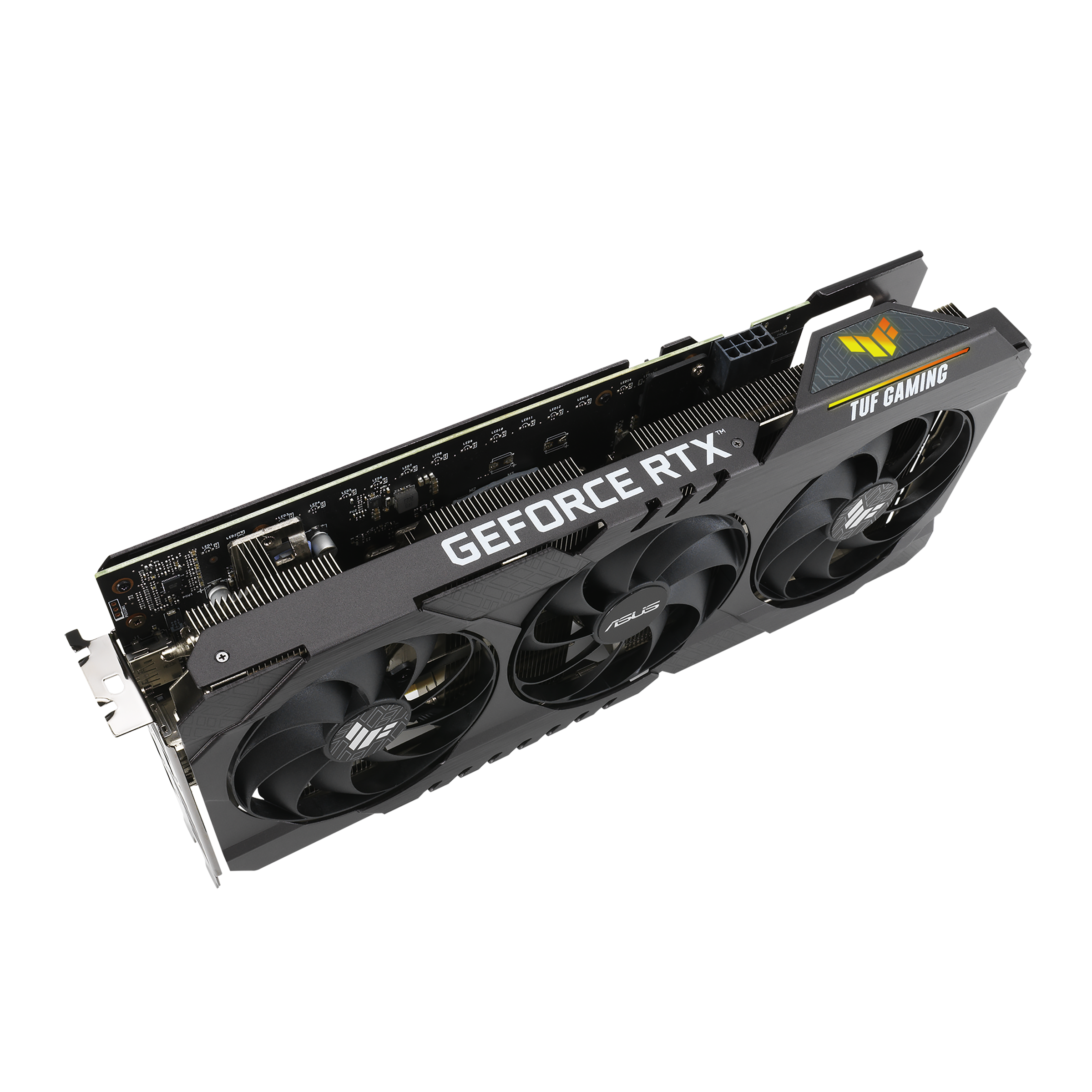


ASUS TUF Gaming GeForce RTX™ 3060 Ti OC Edition 8GB
GRAPHICS ASUS TUF RTX3060TI O8G
GD6X GAMING (9cyv0il0-m0na00)

2.7-SLOT DESIGN
The heat spreader draws heat up into heatpipes that carry it through a fin stack that fills most of the card’s large, 2.7-slot footprint.
DESIGN
FRESH SHROUD
An all-aluminum shroud adds robust protection to TUF Gaming graphics cards and a no-nonsense industrial design and grayscale colorway fits into any build with ease.

DESIGN
IT’S COOLER OUT BACK
The underside of the card reveals a host of improvements. Most of the rear is swathed in a protective metal backplate that prominently features a wide vent. The vent allows hot air to escape towards chassis exhaust fans instead of being recycled back into the GPU cooler. Stainless steel is used for the I/O bracket to protect ports and provide a more secure mount. A conveniently placed Dual Bios switch allows customization of the card’s default performance profile without software.
DESIGN
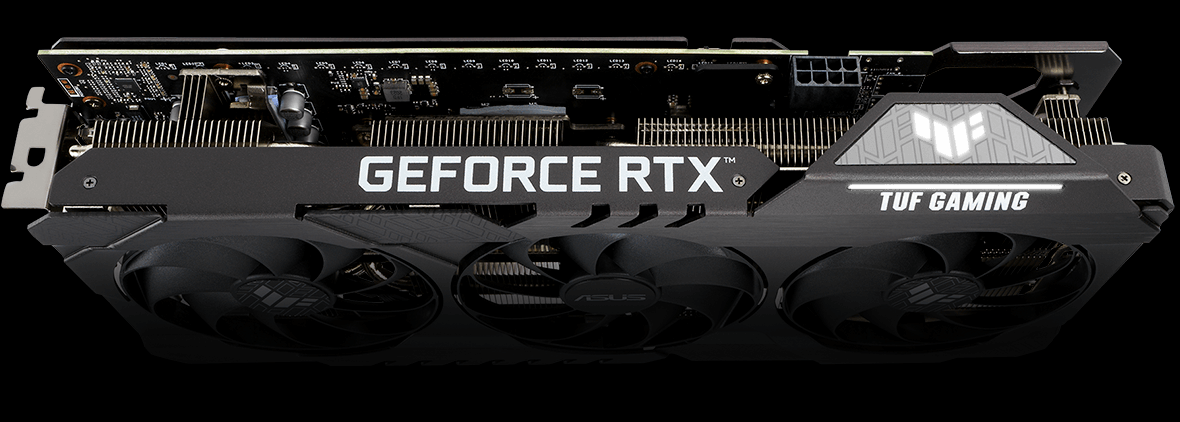
FUNCTIONAL FRONT
The top-side RGB element can be customized to display a range of aesthetic and functional effects and also synced with other ASUS components to enable uniform lighting. An 8-pin connector fulfills the power demands of the GeForce RTX 3060 Ti, and onboard LEDs light up if the power connectors are not plugged in correctly.
SOFTWARE
GPU TWEAK II
The ASUS GPU Tweak II utility takes graphics card tuning to the next level. It allows you to tweak critical parameters including GPU core clocks, memory frequency, and voltage settings, with the option to monitor everything in real-time through a customizable on-screen display. Advanced fan control is also included along with many more features to help you get the most out of your graphics card.